 Is This Real?
Clarity for your everyday / iPhone
A little less doubt.
A lot more confidence.
Screenshot a suspicious text, email, or message. Learn the warning signs and the tactics behind them, with analysis that happens on your iPhone.

iPhone 15 Pro or later · iOS 26.2 or later · Apple Intelligence
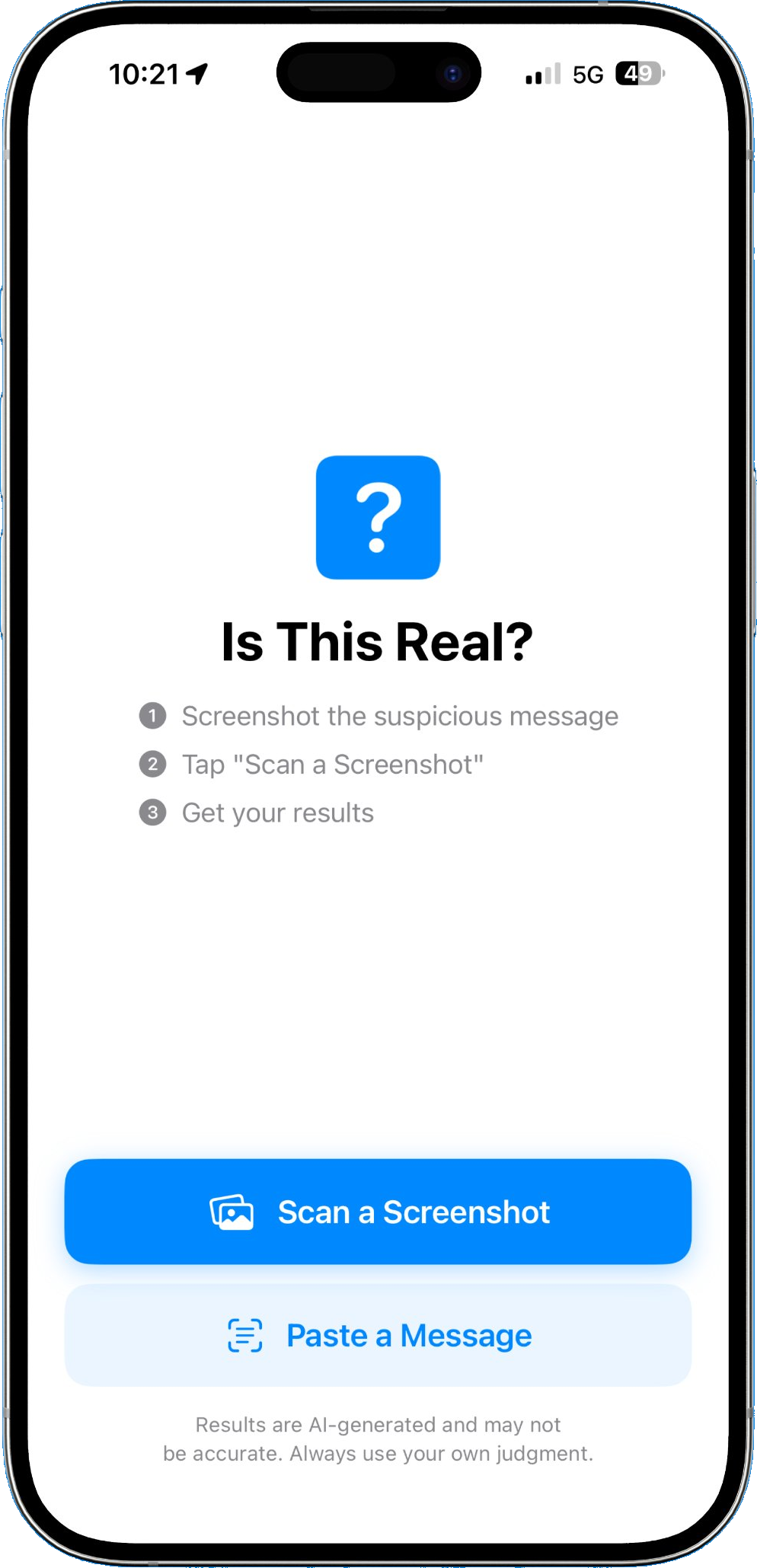 Is This Real? by Spiderweb Security
More than a verdict.
Each result breaks down the warning signs, why they matter, and the tactics behind them. The more you scan, the more you learn to spot on your own.
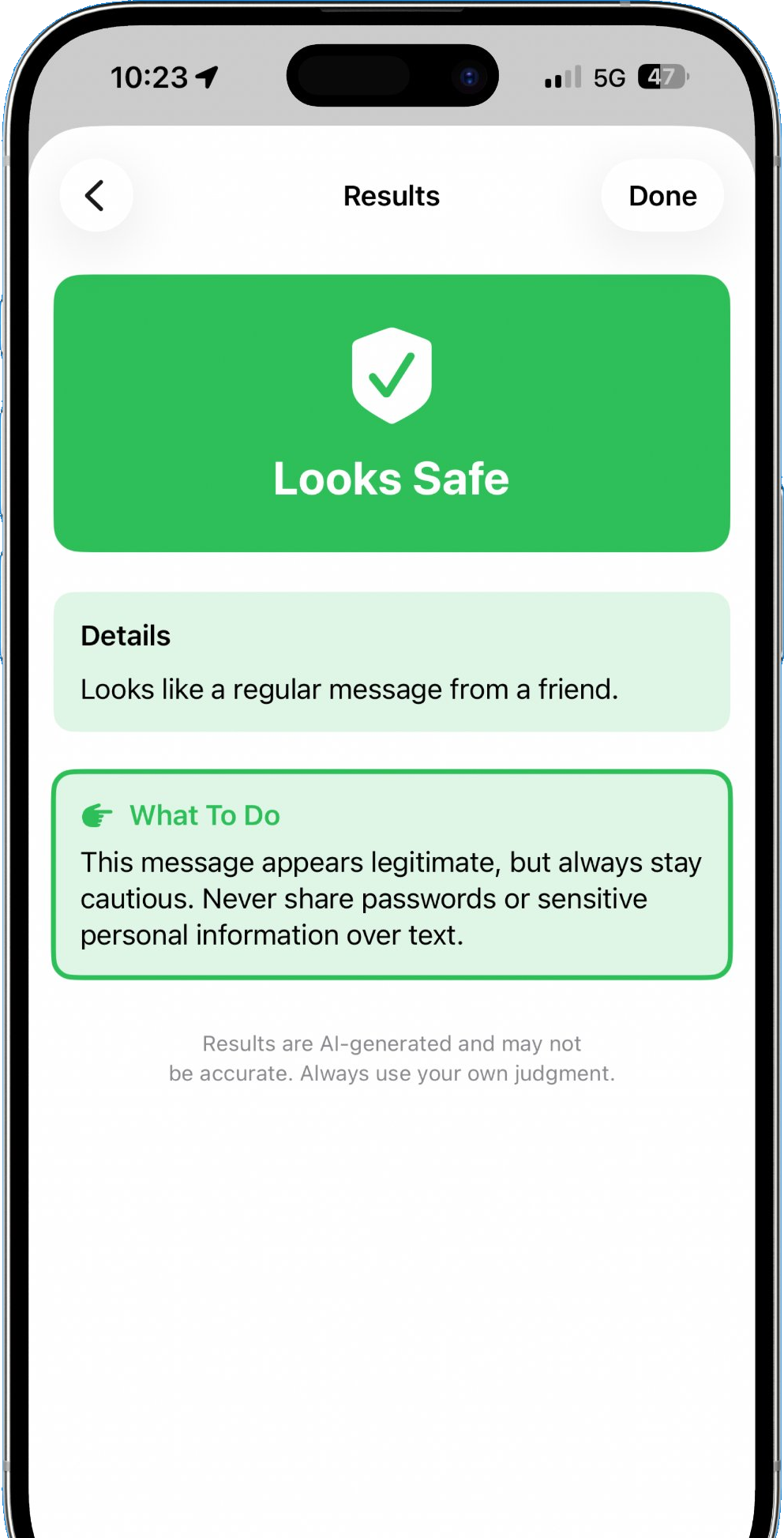
Carry on.
Reads like a normal message from a real person or business. Anything small that's worth a second look still gets flagged.
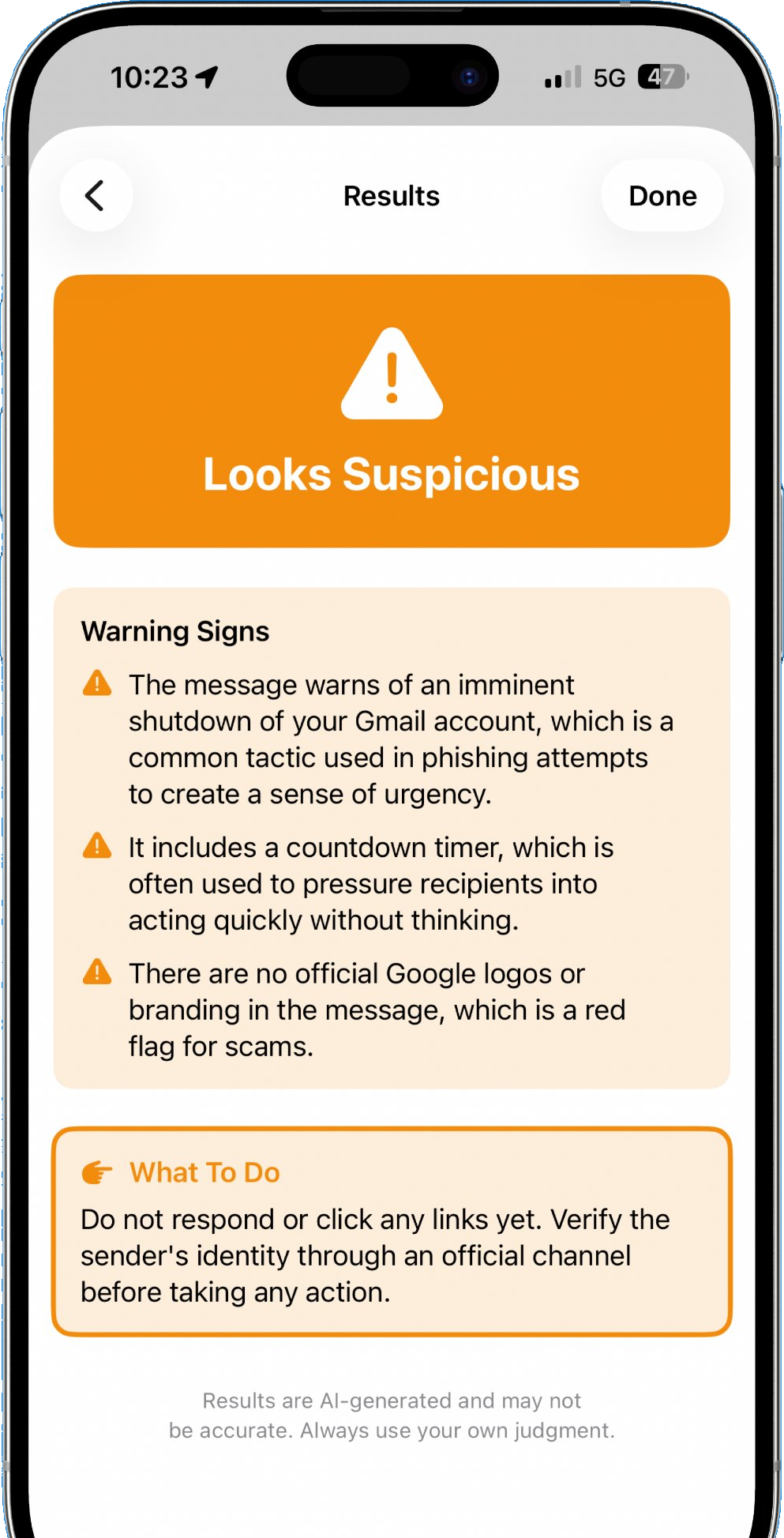
Slow down.
Something is off. The warning signs are listed out so you know exactly what triggered the flag and what to verify.
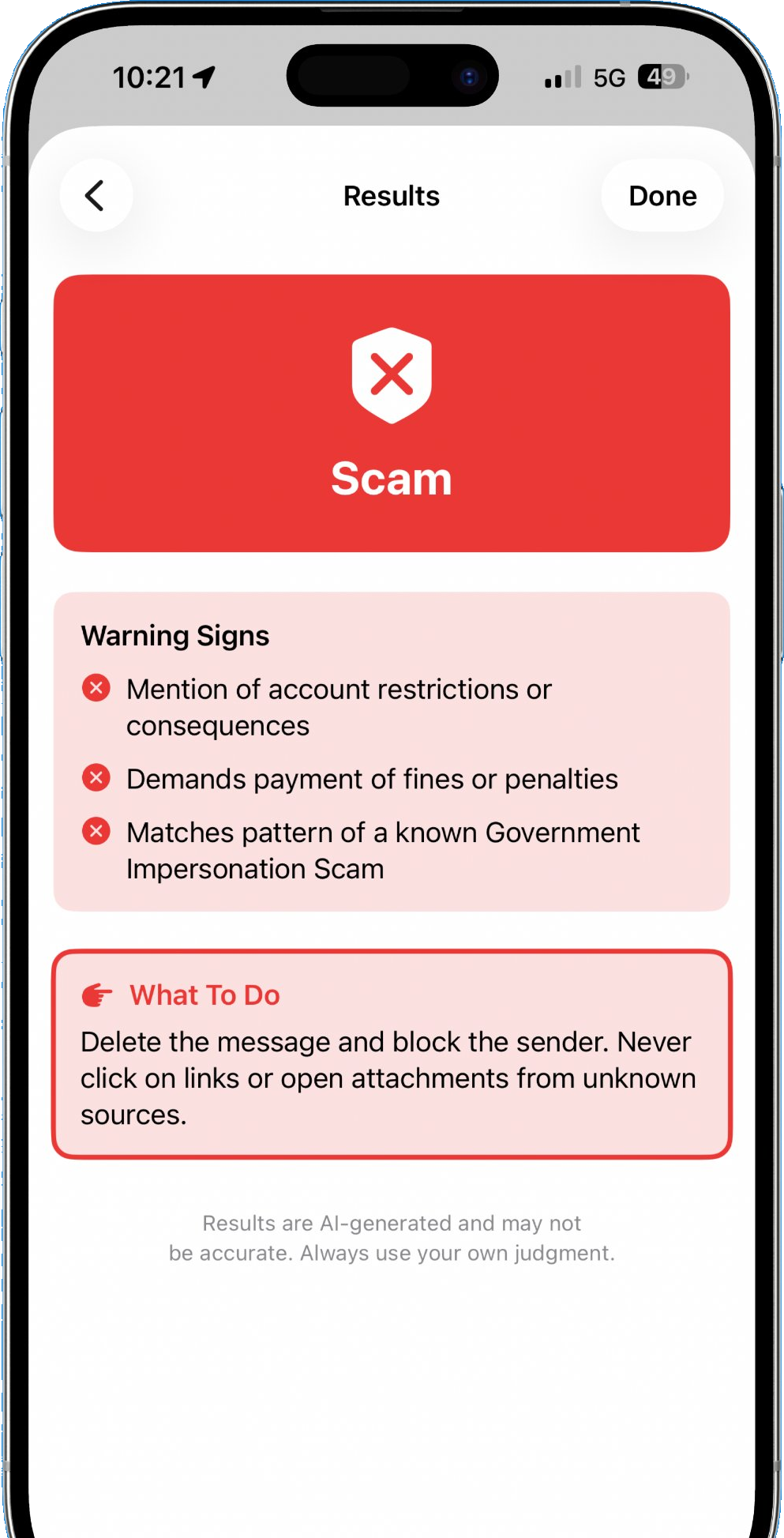
Don't engage.
Strong match for a known scam pattern. You see what kind of scam it is, the reasoning behind the verdict, and what to do with the message.
Three taps. Real skills.
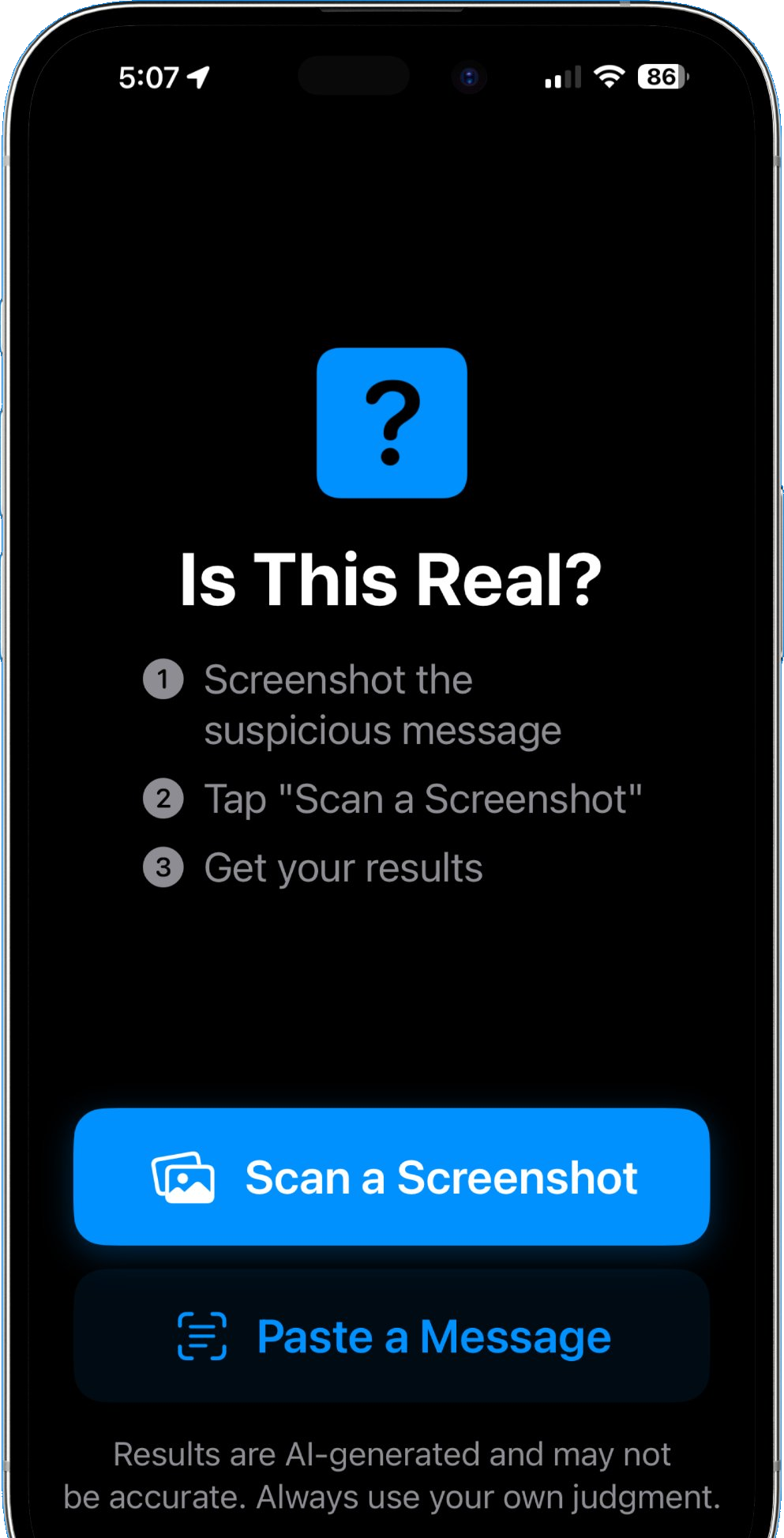
Designed so anyone can use it. No accounts. No setup. Open the app, scan a message, and learn what makes it risky.
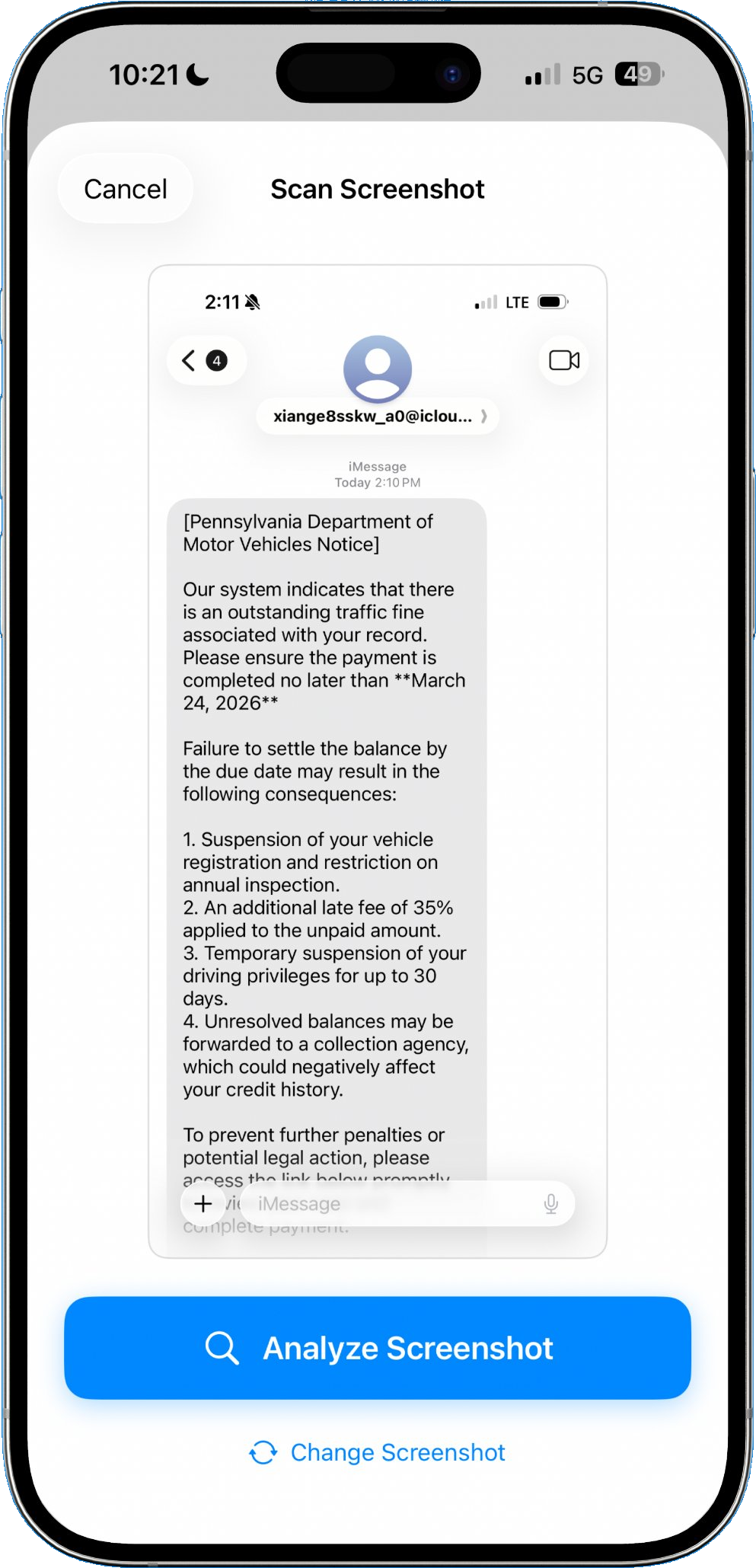
Screenshot the message
Texts, emails, DMs, notifications. If it's on your screen, you can scan it.
Tap "Scan a Screenshot"
Pick the image from your photo library. You can also copy and paste the message directly.
Learn the red flags
Each result surfaces the warning signs, explains why they matter, and shows you the tactics scammers use. You get sharper every time.
Different by design.
Most scam detectors send your messages to a server. Everything runs on your phone.
Build Real Skills
Each scan explains the warning signs and the tactics behind them. You learn what to watch for, every time.
On-Device AI
Analysis happens entirely on your iPhone using Apple Intelligence. It even works offline.
No Account Needed
No sign-up, no email, no phone number. Open the app and use it. That's it.
Dark mode and larger text, supported.
Is This Real? respects your iPhone's accessibility settings, including larger text and dark mode. No extra configuration needed.
Made by Spiderweb Security